
Autothreads
Start a thread on messages automatically, so every showcase post, suggestion or question gets its own tidy discussion instead of burying the channel in replies.
By the end, you'll have
- Threads that open themselves on the messages you choose, in the channels you choose
- A thread name and an optional welcome message inside each thread
- Filters so only some messages get a thread: certain words, files, links or every Nth post
Before you start
- Manage Server, so you can open the dashboard.
- Dreamliner with Create Public Threads and Send Messages in Threads in those channels.
In a busy channel, replies to one post get lost under everything else. Autothreads fixes that: when a message matches one of your rules, Dreamliner opens a thread on it straight away, names it, and can post a message inside to get the conversation going. It's free, with no limit on rules.
Discussion stays attached to the message it's about.
Every message, or only ones with certain words, files or links.
Optional text, embed or buttons inside each new thread.
Step 1 · about 2 min
Add your first rule
Pick the channel and name the threads.
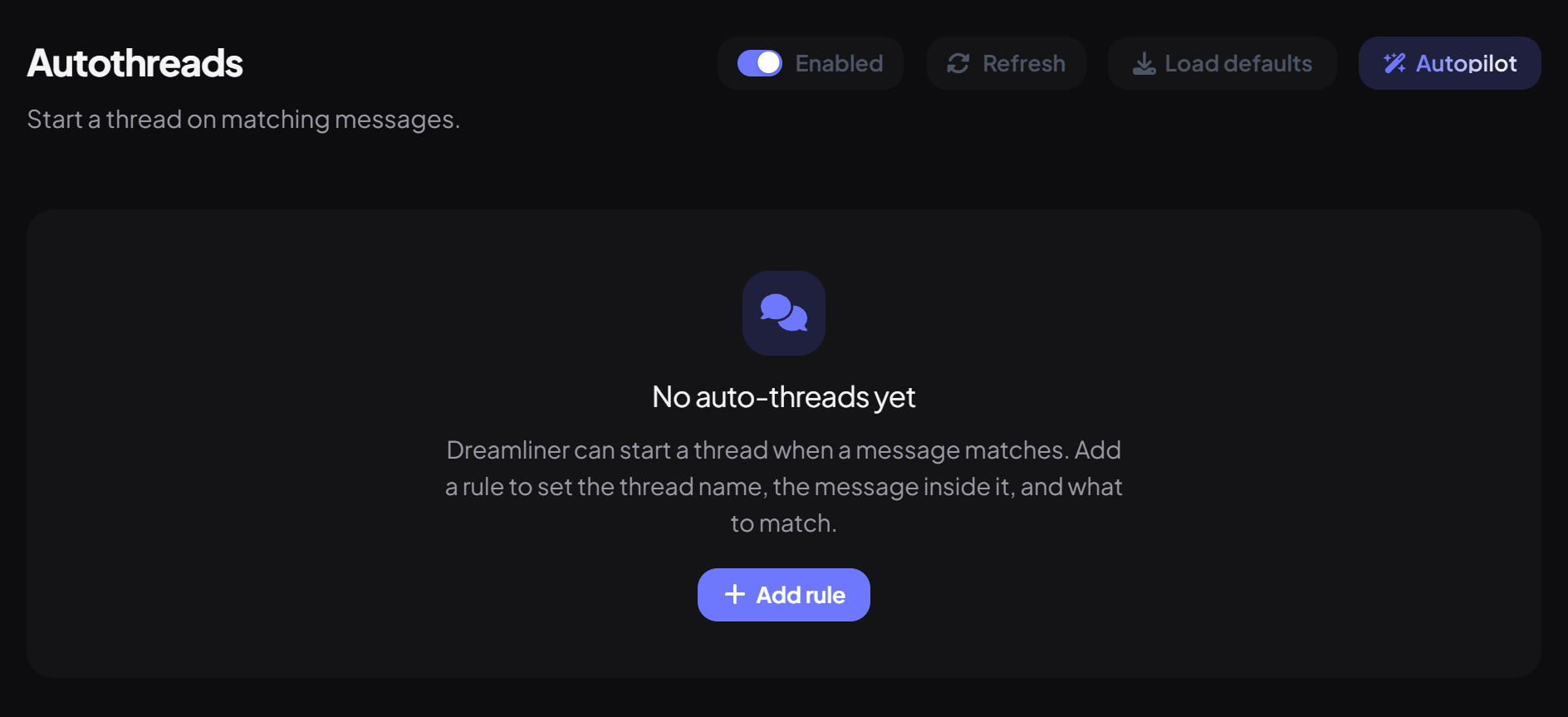
- On the dashboard, open Engagement and click Autothreads. Switch on Enabled at the top.
- Press Add rule. A new rule threads every message in every channel, so narrow it down next.
- Under Thread, pick the Channel (leave it on All channels to listen everywhere).
- Set the Thread name. The default, {user_display}, names each thread after the person who posted.
- Press Save at the bottom of the page.
| Setting | What it does | Default |
|---|---|---|
| Channel | Where the rule listens. Text and announcement channels only. | All channels |
| Thread name | Up to 100 characters. Placeholders are filled in for each post. | {user_display} |
| Auto-archive | How long a quiet thread stays open: 1 hour, 24 hours, 3 days or 1 week. | 24 hours |
| Thread slowmode (seconds) | A slowmode inside each new thread, up to 6 hours. | None |
Step 2 · about 2 min
Choose which messages get a thread
Only thread the posts that need it.
Under Match, pick how a message has to look:
| Match | Threads a message when… |
|---|---|
| Every message | Always. Great for showcase, art or clip channels. |
| Contains | The text appears anywhere in the message, like "question". |
| Starts with | The message begins with the text, like "[Suggestion]". |
| Exact | The whole message is exactly the text. |
| Regex | The message matches a regular expression, for advanced patterns. |
Matching ignores capital letters. The text can be up to 200 characters.
Under Limits you can narrow it further:
| Limit | What it does |
|---|---|
| Every Nth match | Only thread every N matching messages (2 to 1000, 5 by default). |
| Attachments only | Skip messages without a file or image. Perfect for showcase channels. |
| Links only | Skip messages without a link. |
| Cooldown (seconds) | Wait at least this long between threads, up to a day. |
Step 3 · about 3 min
Post a message inside the thread (optional)
Welcome people into the discussion.
Message text is posted as the first message in each thread (up to 2,000 characters), like "Let's keep this discussion here, {user}." Leave it empty and the thread opens quietly.
Mentions & sending controls pings: Silent, Don't unfurl links, and whether @user, @role and @everyone mentions in the message actually ping (@everyone is off by default).
How rules work together
- Rules are checked from top to bottom, and the first one that creates a thread wins. A message never gets two threads.
- Messages from bots and webhooks, messages inside threads, and messages that already have a thread are skipped.
- Forum and media channels already make a post a thread, so Autothreads doesn't run there.
- If Dreamliner can't create the thread (for example a missing permission), nothing happens and the rule waits for the next message.
Let Autopilot write the rules
The Autopilot button at the top asks what you want threaded and writes the rules for you, up to 25 in one go. It uses one of your free Autopilot uses (unlimited with Dreamliner One). Check the rules it makes before you save.
You're set up
What you just did
- Added a rule for the channel you want threaded
- Chose which messages get a thread
- Optionally added a welcome message inside each thread
Want reactions on posts too? Autoreactions pairs nicely with Autothreads in showcase channels.
Common questions
No threads are being created.
Check the plugin and rule are saved, the channel is a normal text or announcement channel, and Dreamliner has Create Public Threads there.
Is there a command to manage autothreads?
No. Rules are set up on the dashboard only.
Can it make private threads?
No, autothreads are always public threads on the original message.
Read next