
Autoreplies
Reply automatically when a message matches: answer common questions, point people to the rules, or greet a keyword, with text, embeds, buttons and even a custom name and avatar.
By the end, you'll have
- Replies that send themselves when a message matches your rules
- Rich replies with embeds, link buttons or a custom name and avatar
- Cooldowns and filters so replies don't get spammy
Before you start
- Manage Server, so you can open the dashboard.
- Dreamliner with Send Messages and Read Message History in those channels.
If people keep asking the same question, let Dreamliner answer. Autoreplies watches new messages and replies when one matches a rule. It's free, with no limit on rules.
Contains, starts with, exact, regex or every message.
Text, embeds, link buttons and webhooks.
Cooldowns, every Nth match and file or link filters.
Step 1 · about 3 min
Add a rule
Write your first autoreply.
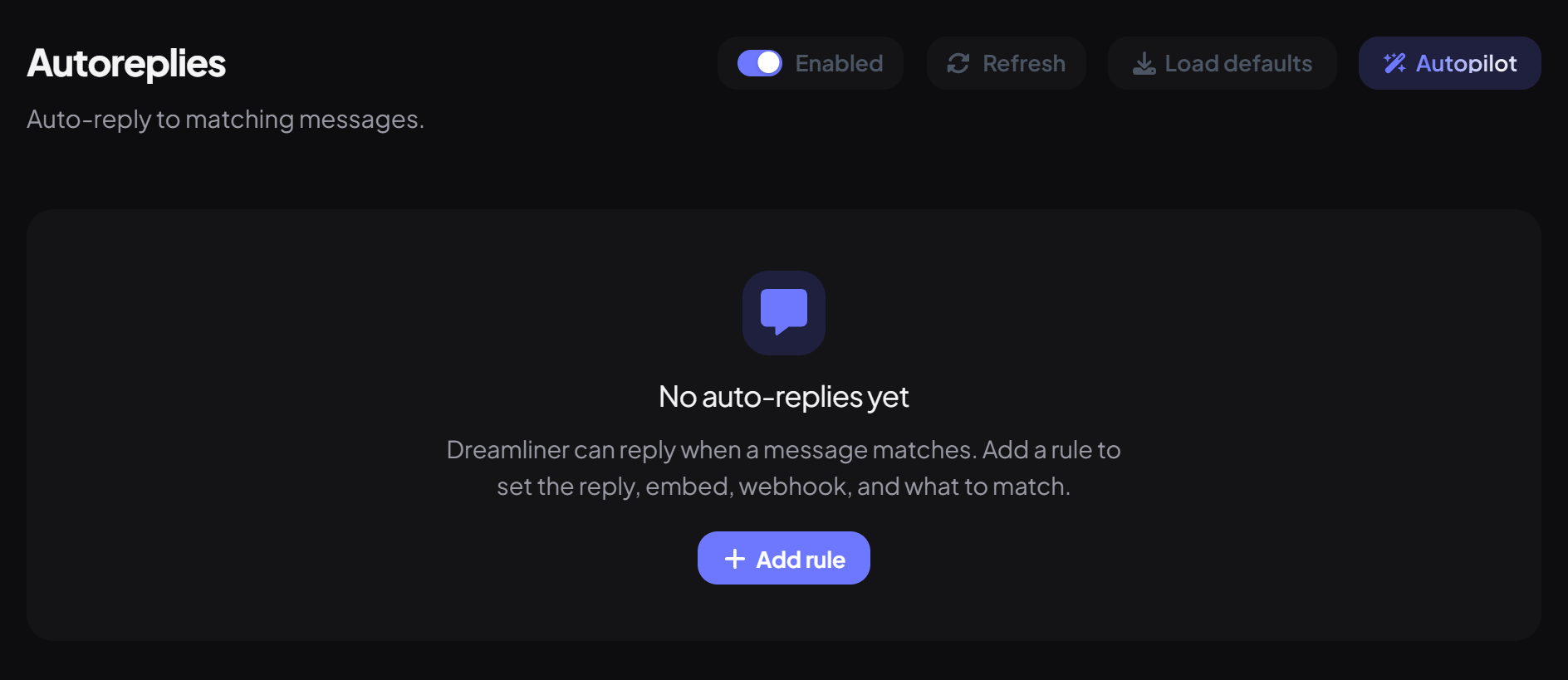
- On the dashboard, open Engagement and click Autoreplies. Switch on Enabled.
- Press Add rule.
- Set the match first. Under Match, pick Contains and type the trigger, like "how do i verify".
- Under Reply, write the Message text and optionally pick a Channel.
- Press Save.
Matching options
| Match | Replies when… |
|---|---|
| Every message | Always (best with a channel and a cooldown). |
| Contains | The text appears anywhere in the message. |
| Starts with | The message begins with the text. |
| Exact | The whole message is exactly the text. |
| Regex | A regular expression matches, like \bhelp\b for the whole word. |
Matching ignores capitals. Under Limits, add Every Nth match, Attachments only, Links only or a Cooldown (seconds). If several rules match, each one replies.
Step 2 · about 3 min
Make the reply look great (optional)
Add embeds, buttons or a custom sender.
| Sending option | What it does | Default |
|---|---|---|
| Reply to the message | Shows the reply as a reply to the trigger message. | On |
| Silent | No notification sound. | Off |
| Allow @user / @role mentions | Mentions in the reply actually ping. | On |
| Allow @everyone / @here | Lets @everyone ping. | Off |
Placeholders like {user}, {user_display}, {guild}, {channel} and {member_count} work in the text and embed. "User" is the person who sent the trigger message.
Good to know
- Messages from bots and webhooks never trigger a reply, and edited messages don't either.
- A rule for a channel also works in that channel's threads.
- There are no commands: rules live on the dashboard.
- Moving from MEE6 or Dyno? The Autopilot button and Switch can import your autoresponders.
You're set up
What you just did
- Added a rule with the right match
- Styled the reply
- Added limits so it isn't spammy
For answers your team posts on request, use Tags.
Common questions
Dreamliner is replying to every message!
A rule is set to Every message, probably a new one. Change its match, or delete it, and save.
My regex never matches.
Very complex or unsafe patterns are refused for safety. Simplify it, and test with Contains first.
Read next