
Tags
Save answers you type again and again (rules, FAQs, links, how-tos) as tags, and post any of them in a second with /tag show.
By the end, you'll have
- Tags for your most common answers
- Your team posting them instantly with /tag show
- Clear control over who can create and edit tags
Before you start
- Manage Server, so you can open the dashboard.
Every server has questions that come up daily: "where are the rules?", "how do I get verified?". Tags let you write the answer once and post it whenever it's needed. They're free, with no limit.
Save text up to 2,000 characters under a short name.
/tag show posts it publicly, without pinging anyone.
Placeholders fill in the user, server and more.
Step 1 · about 2 min
Create a tag
Save your first answer.
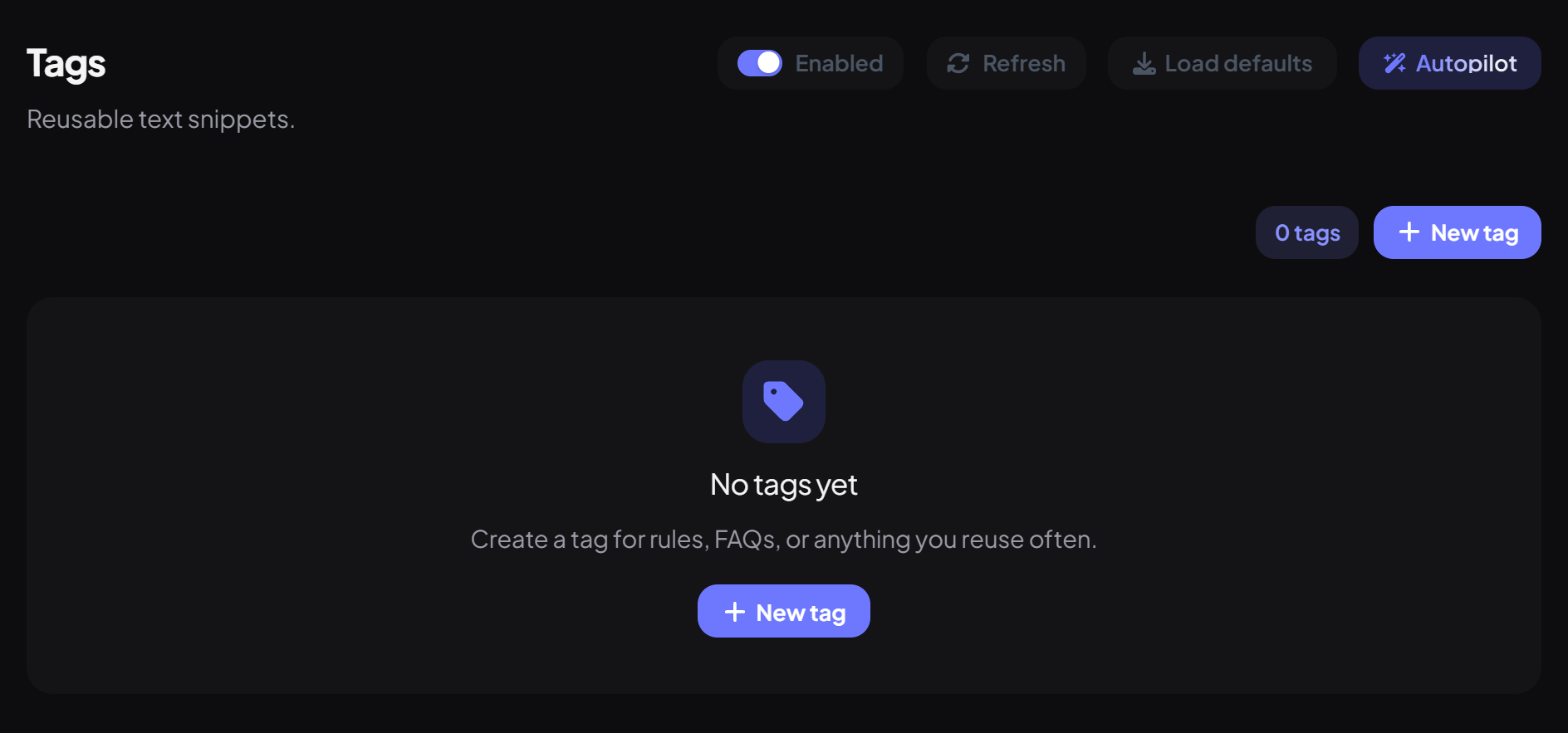
- On the dashboard, open Engagement and click Tags. Switch on Enabled.
- Press New tag.
- Give it a Name: lowercase letters, numbers, _ or -, starting with a letter or number (like rules).
- Write the Content and press Create tag.
Placeholders
| Placeholder | Becomes |
|---|---|
| {user} | A mention of the person who ran /tag show (it won't ping) |
| {user_display} / {username} | Their name |
| {guild} | Your server's name |
| {member_count} | Your member count |
| {channel} | The channel it's posted in |
| {message_count} | Their message count |
| {economy_balance} | Their balance, if Economy is on |
Step 2 · about 1 min
Post and manage tags
Use tags from Discord.
| Command | What it does | Who by default |
|---|---|---|
/tag show | Post a tag in the channel. Mentions show but never ping. | Everyone |
/tag list | List every tag's name. | Everyone |
/tag create | Create a tag from Discord. | Moderator |
/tag edit | Change a tag's content. | Moderator |
/tag delete | Delete a tag. | Moderator |
You're set up
What you just did
- Created tags for common answers
- Used placeholders to personalise them
- Learned who can post and edit tags
Want answers posted automatically when someone asks? Try Autoreplies.
Common questions
Is each tag its own slash command?
No. Post any tag with /tag show and its name. For your own commands, see Custom Commands.
Can tags have embeds?
Tags are plain text. For rich replies, use Autoreplies or Message Kits.
Read next