
Counting
Run a counting channel where members count up together one number at a time, with rules, resets, milestones, records and optional maths.
By the end, you'll have
- A counting channel with the rules you want
- Milestones and records celebrated automatically
- Mistakes handled the way you choose
Before you start
- A channel for counting.
- Dreamliner with Send Messages, Add Reactions and Manage Messages there.
- Manage Server, so you can open the dashboard.
Counting is the simplest game there is: count up one number per message, without breaking the chain. It's surprisingly addictive, and Dreamliner handles the rules, reactions and celebrations. Free, with as many counting channels as you like.
Steps, maths, alternating turns and cooldowns.
Reset the count, announce who broke it, react ❌.
Celebrate round numbers and new records.
Step 1 · about 2 min
Add a counting channel
Set up where and how people count.
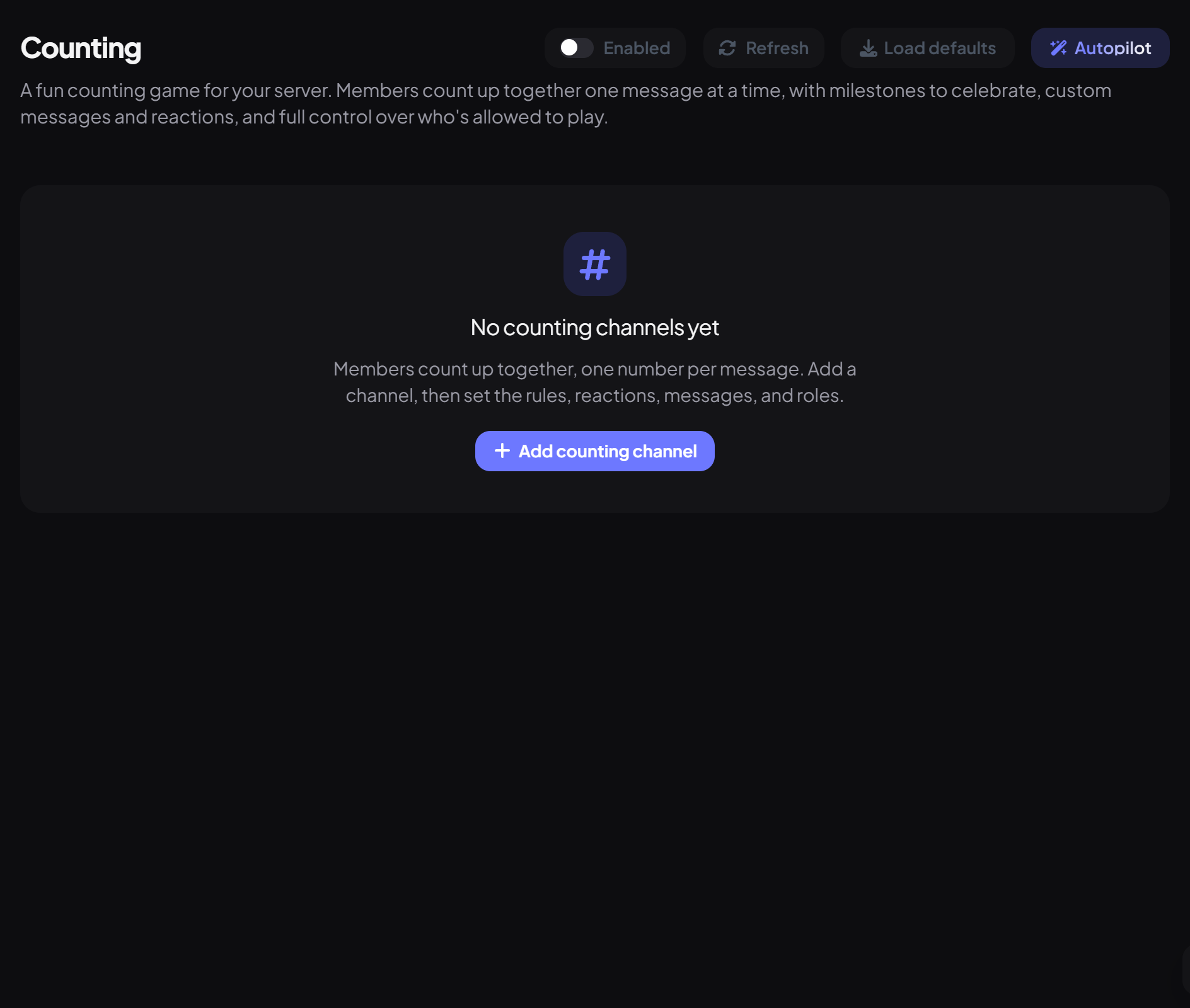
- On the dashboard, open Fun and click Counting. Switch on Enabled.
- Press Add counting channel, give it a Label and pick the Channel.
- Set Start at (1 by default) and Step (1 counts 1, 2, 3; 2 counts 2, 4, 6).
- Press Save and type the first number.
Step 2 · about 2 min
Set the rules
Decide how strict counting is.
| Rule | What it does | Default |
|---|---|---|
| Allow math | Accepts sums like 4+5 or (2*3)+1, as long as the answer is a whole number. | Off |
| Require alternating users | Nobody can count twice in a row. | On |
| Allow bots | Lets other bots count. | Off |
| Allow other chat | Ignores messages that aren't counting attempts, instead of treating them as mistakes. | Off |
| Delete wrong messages | Removes wrong numbers. | On |
| Cooldown (seconds) | Minimum time between counts. Counting too fast counts as a mistake. | Off |
| Can't count / Only these roles can count | Limit who can take part. | Everyone |
Step 3 · about 1 min
Choose what happens on a mistake
Handle broken counts.
| Setting | What it does | Default |
|---|---|---|
| Reset on mistake | Starts the count again. Reset to the start number, or to the last milestone. | On |
| Announce | Posts the Failure message. | On |
| Failure reaction | Reacts to the wrong message. | ❌ |
Default failure message: "{user} broke the count! {reason} Starting over from **{restart}**." Other placeholders: {number}, {expected}, {highest}.
Step 4 · about 2 min
Milestones and records
Celebrate big moments.
| Setting | What it does | Default |
|---|---|---|
| Milestone every | Celebrates every N numbers, like every 100. 0 turns milestones off. | 100 |
| Announce / Pin milestones | Posts and optionally pins a message at each milestone. | On / Off |
| Milestone currency bonus | Pays server currency to whoever hits the milestone (needs Economy). | Off |
| Announce new records | Celebrates beating the highest count ever, after a reset. | On |
Commands
| Command | What it does | Who by default |
|---|---|---|
/counting stats | Current number, record and more. | Everyone |
/counting reset | Start the count over. | Moderator |
- Edited and deleted messages aren't checked, only new ones.
- Turn on Use a webhook to post announcements with a custom name and avatar (needs Manage Webhooks).
You're set up
What you just did
- Added a counting channel
- Set the rules and mistake handling
- Turned on milestones and records
Common questions
Every message counts as a mistake.
Turn on Allow other chat so non-numbers are ignored, or keep chatting out of the counting channel.
Can I continue from our old bot's count?
Yes: set Start at to the next number and save.
Read next