
Logs
Search and filter 90 days of everything that happened in your server, with charts, full details for every event, and a link to the related case.
By the end, you'll have
- Finding any logged event in seconds
- Reading the full details of an event
Before you start
- Manage Server, so you can open the dashboard.
Logs is the dashboard's history of every logged event, kept for 90 days. Events are saved here even if they're not sent to a Discord channel, so nothing is lost.
By text, user ID, message ID or case number.
Volume over 14 days and your top event types.
A full history, even without log channels.
Find an event
Open Utilities → Logs. Use the search box and filters, then press Apply:
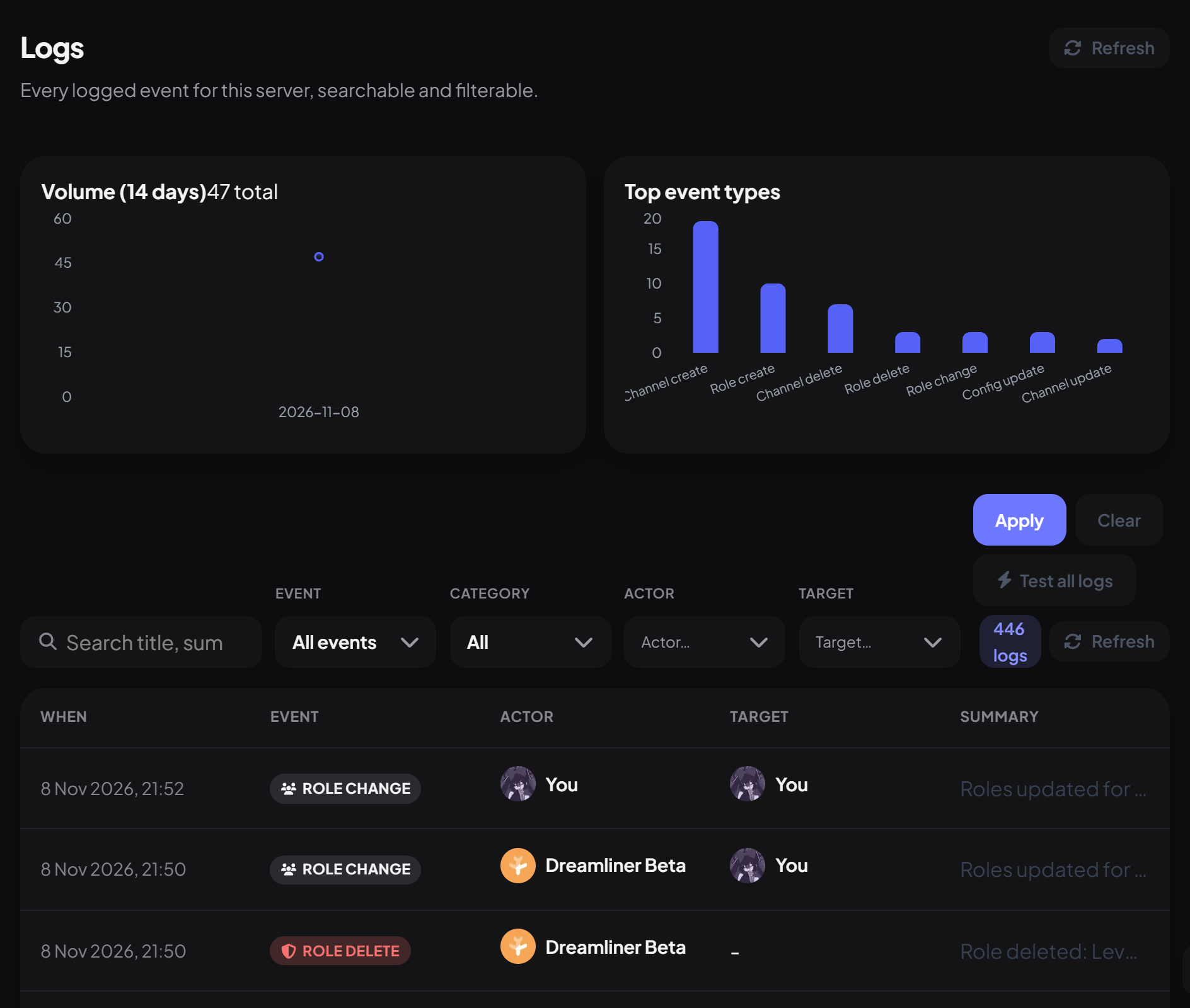
| Filter | Finds |
|---|---|
| Search | Text in the title or summary. A long number matches a user, channel or message ID; a short number matches a case. |
| Event | One kind of event, like message_delete. |
| Category | Server or Moderation events. |
| Actor / Target | Who did it, and who it happened to. |
Click any row for the full details: who, when, the channel, the message, what changed, and an Open case button for moderation events.
Test your log channels
Test all logs sends a sample of every kind of log to your log channels, so you can check where each one lands. Test cards aren't saved to the history.
You're set up
What you just did
- Searched and filtered the log history
- Opened an event's details
- Tested your log channels
- Choose which events are logged on the Logging page.
See Logging to set channels and events.
Common questions
Can I delete log entries?
No. Entries are removed automatically after 90 days.
Read next