
Images
Brighten your chat with random cats, dogs, foxes, ducks, capybaras, birds, Blåhaj and anime art, on demand with /image or posted automatically every day.
By the end, you'll have
- Members posting random images with /image
- Daily images posted to a channel at the time you choose
Before you start
- Manage Server, so you can open the dashboard.
Sometimes a channel just needs a cat picture. Images pulls a random picture from free public sources, with the artist or source credited underneath every one.
Anime, Blåhaj, cats, dogs, foxes, ducks, capybaras and birds.
A button swaps in a new image in place.
A fresh picture in a channel every day.
Post an image
Anyone can run /image and choose a type. Press Another under it for a new one (only the person who ran it can).
| Type | From |
|---|---|
| Anime | nekos.best (with the artist credited) |
| Blåhaj | transgirl.wamellow.com |
| Cat · Dog · Fox | TheCatAPI · Dog CEO (shows the breed) · RandomFox |
| Duck · Capybara · Bird | random-d.uk · capy.lol · AlexFlipnote |
Step 1 · about 2 min
Set up a daily image
Post a picture in a channel every day.
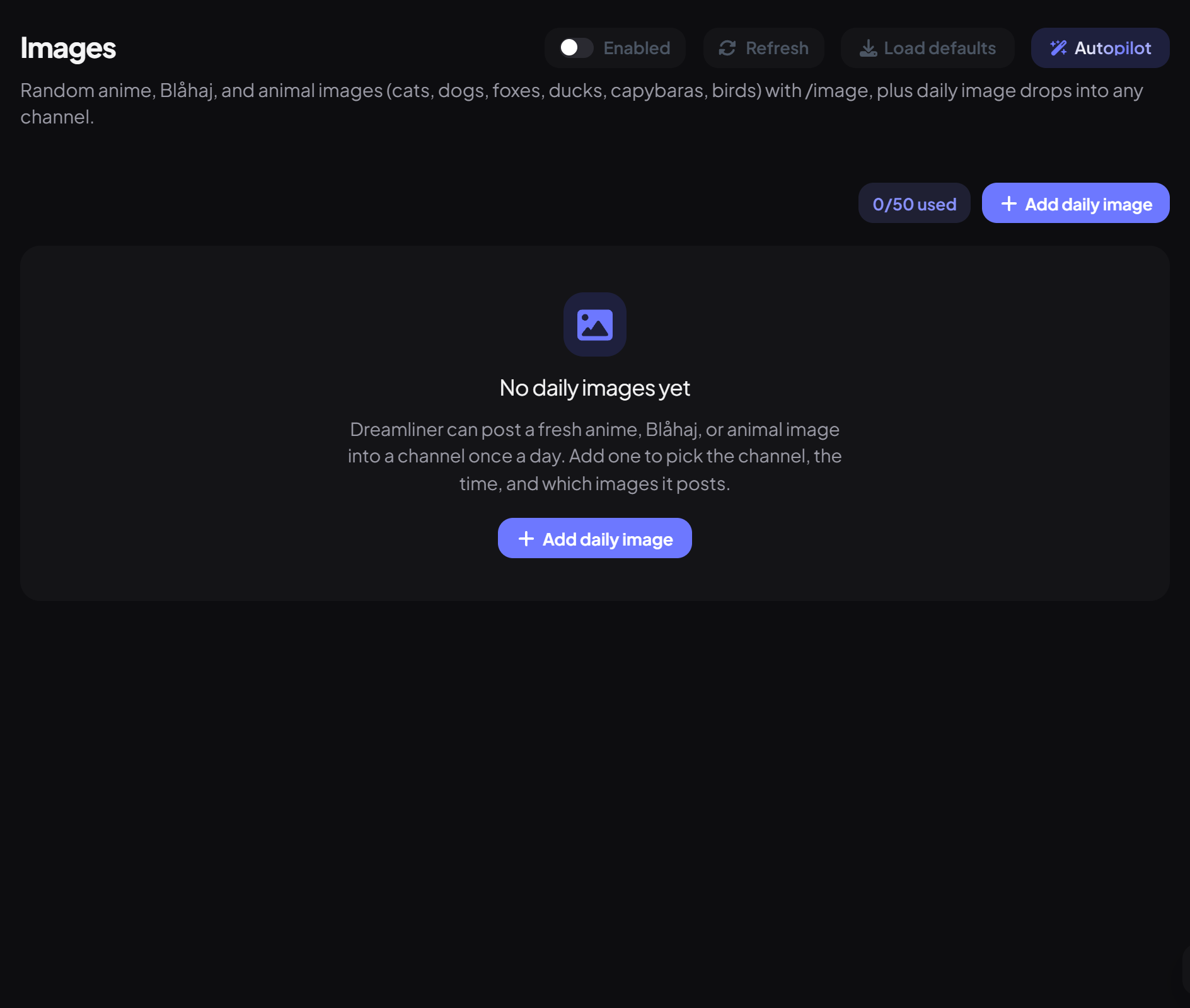
- On the dashboard, open Fun and click Images.
- Press Add daily image and pick the type under Image.
- Under Where & when, choose the Channel, the Time and your Timezone.
- Press Save. Switch Enabled off any time to pause it.
Good to know
- Free servers can have 10 daily images; Dreamliner One raises that to 50. /image itself is unlimited.
- If Dreamliner was offline at the posting time, it catches up within 15 minutes; later than that, that day is skipped.
- If a source is down, the daily image for that day is skipped.
- Turning the plugin off stops both /image and daily images.
You're set up
What you just did
- Learned /image and the Another button
- Set up daily images in a channel
Common questions
It says it couldn't fetch an image.
The image source didn't answer in time. Try again in a moment or pick another type.
Can it generate images with AI?
No, Images only posts random pictures from public sources.
Read next