
Incident Response
Join the dots between Automod, raids, impersonation, scams and nuke attempts, score each incident by severity, and respond automatically, up to locking down the whole server.
By the end, you'll have
- Signals from your other protection plugins grouped into incidents with a severity
- Automatic responses for each severity, from timeouts to a full lockdown
- Detection of nuke attempts, like mass channel or role deletions
Before you start
- At least one signal source set up, such as Automod.
- Dreamliner with View Audit Log for nuke detection, and Manage Channels and Manage Roles for lockdowns.
- Manage Server, so you can open the dashboard.
One Automod hit isn't an emergency. Ten from the same person in a few minutes, plus a scam catch and an impersonation alert, might be. Incident Response watches your other plugins, merges related signals into one incident and raises its severity as evidence builds up.
Related signals within 30 minutes merge together.
Low, Medium, High and Critical, from a risk score.
Choose actions for each severity, including lockdowns.
Step 1 · about 2 min
Choose signal sources and alerts
Decide what feeds Incident Response and where it posts.
- On the dashboard, open Moderation and click Incident Response. Make sure it's enabled.
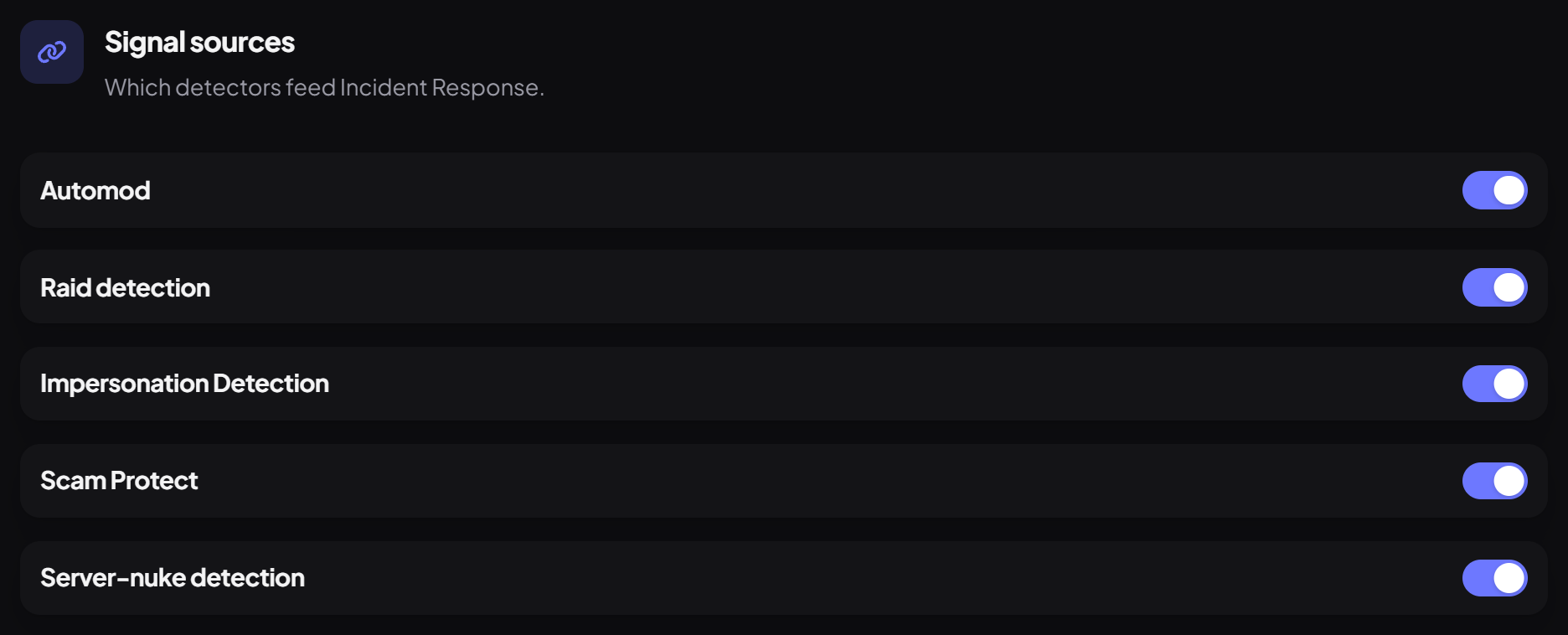
- Under Signal sources, choose which detectors count: Automod, Raid detection, Impersonation Detection, Scam Protect and Server-nuke detection.
- Under Alerts, pick a Log channel (it falls back to your moderation log) and the Correlation window, how long signals keep merging into the same incident (30 minutes by default).
Step 2 · about 1 min
Set the risk thresholds
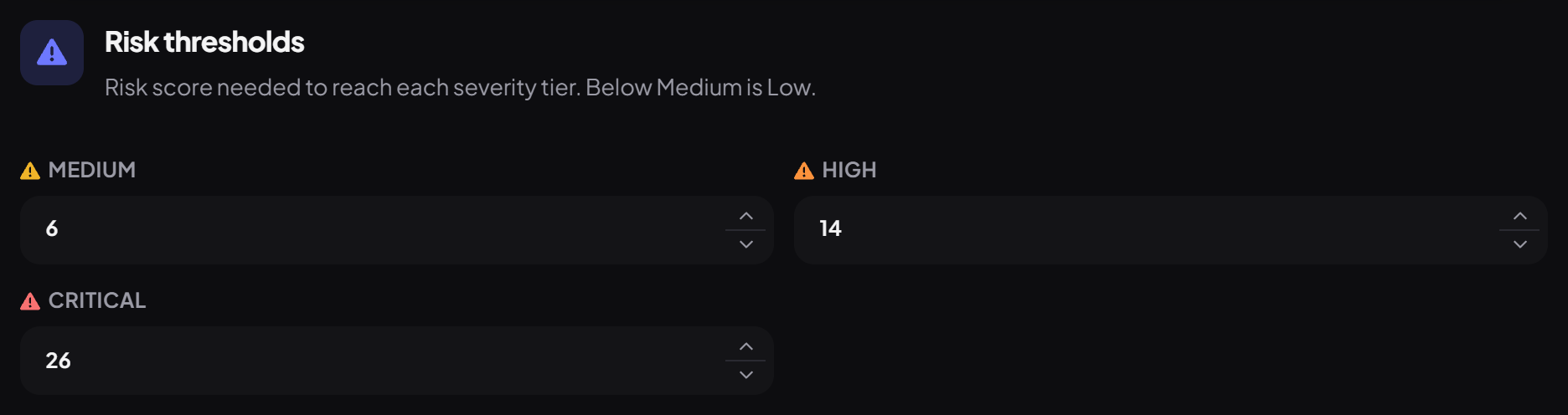
Decide how much evidence each severity needs.
| Severity | Risk score | Meaning |
|---|---|---|
| Low | Below Medium | A single minor signal. Logged, no action by default. |
| Medium | 6 | A few signals, or one moderate one. Worth a look. |
| High | 14 | Strong or combined evidence. |
| Critical | 26 | Severe or compounding evidence, like a nuke pattern. |
Step 3 · about 3 min
Choose actions for each severity
Respond automatically when things get serious.
For each severity you can add actions and Ping roles, which are pinged the first time an incident reaches that level.
| Action | What it does |
|---|---|
| Timeout | Times out the person involved, for the Duration (minutes) you set. |
| Kick | Removes them from the server. |
| Softban | Removes them and deletes their recent messages (Delete messages (days)). |
| Ban | Bans them. |
| Lock the channel | Stops members sending messages in the channel involved. |
| Lock the whole server | Stops members sending messages, adding reactions and creating threads everywhere. |
Step 4 · about 2 min
Tune nuke detection
Catch someone trying to wreck your server.
Server-nuke detection watches the audit log for bursts of destructive actions by the same account within a short window (about 30 to 60 seconds). Set how many of each counts as a nuke:
| Setting | What it counts |
|---|---|
| Channel deletions | Channels deleted |
| Role deletions | Roles deleted |
| Bans | Members banned |
| Kicks | Members kicked |
| Webhook creations | Webhooks created |
| New-account admin grant | Administrator given to an account created within this many hours (0 = off) |
Step 5 · about 2 min
Review and close incidents
Keep track of what happened.
Open Moderation → Incident Response → Incidents to see every incident with its severity, risk score, status and first and last seen times. Click one for its Signal timeline and Entity graph, then Close incident when you're done.
| Command | What it does |
|---|---|
/incident list | Shows open incidents. |
/incident view | Shows one incident in detail. |
/incident resolve | Closes it as dealt with. |
/incident dismiss | Closes it as a false alarm. |
/incident unlock | Lifts a lockdown early. |
Moderator can use these by default. Incidents don't close on their own, so close them once handled.
You're set up
What you just did
- Chose signal sources, alerts and thresholds
- Set up automatic responses for each severity
- Tuned nuke detection and learned to manage incidents
Pair it with Raid Defense Mesh so partner servers hear about raids too.
Common questions
Can I start a lockdown by hand?
Not with a command yet. Lockdowns come from incident actions; use Discord's own permissions for a manual lockdown.
Nuke detection isn't working.
Dreamliner needs View Audit Log to see who deleted what.
Read next