
Counters
Show live stats like your member count, boosts or messages as a channel name or an auto-updating message, updated automatically.
By the end, you'll have
- A live member, boost or message counter in a channel name or a message
Before you start
- Dreamliner with Manage Channels (for channel names) or Send Messages (for messages).
- Manage Server, so you can open the dashboard.
A classic: a locked voice channel at the top of your server that reads "Members: 1,532". Counters keeps numbers like that up to date for you. It's free, with no limit.
Channel names
Renames a voice or text channel with the number.
Live message
An embed that updates itself.
Step 1 · about 2 min
Add a counter
Show a live number.
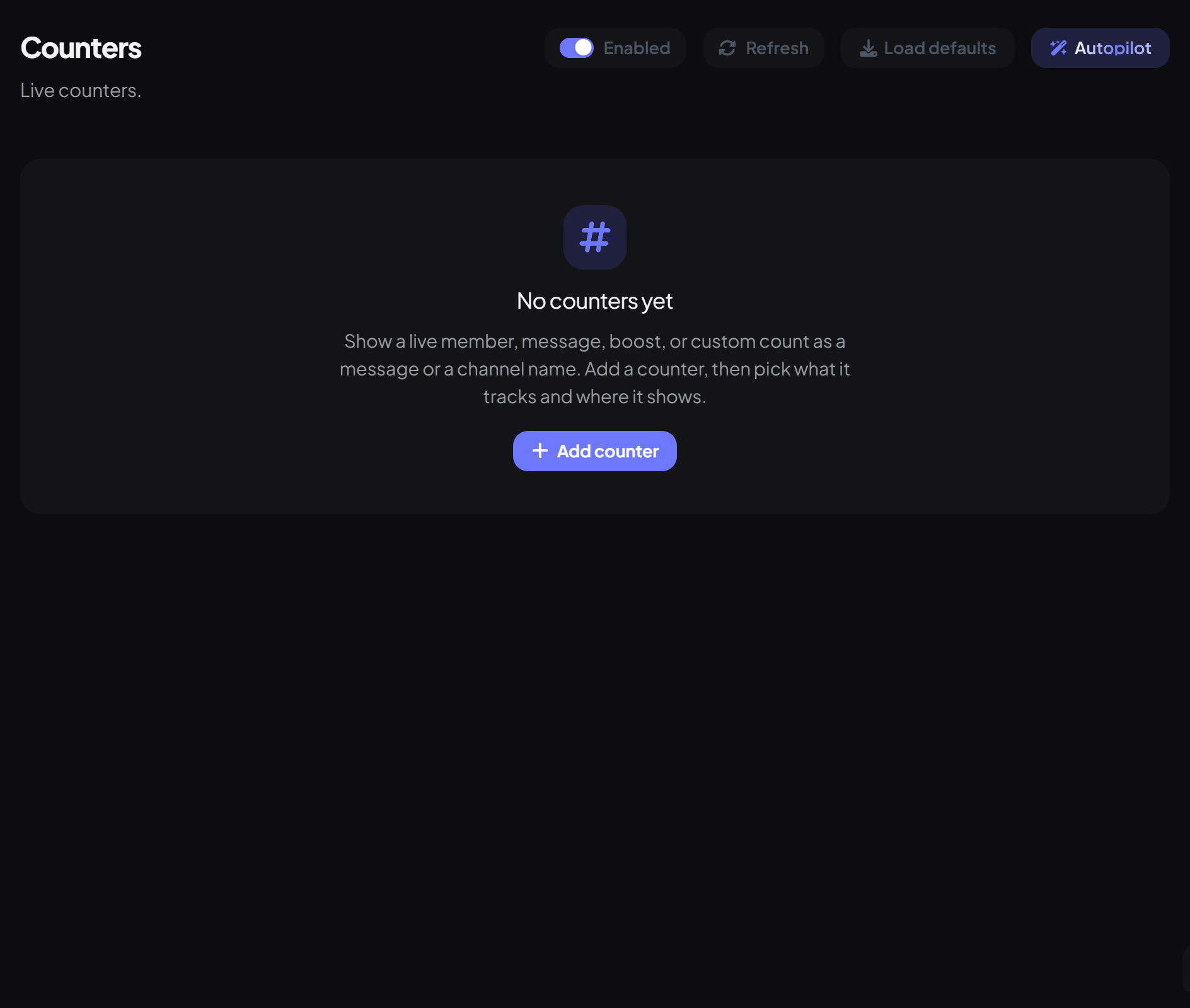
- On the dashboard, open Utilities and click Counters. Switch on Enabled.
- Press Add counter and give it a Label, like "Members".
- Choose the Metric and the Display, then pick the channel.
- Set the Format, like "👥 Members: {value}", and press Save.
| Setting | Options |
|---|---|
| Metric | Members (includes bots), Messages (counted from when the counter is made), Boosts, or Custom (a number you set). |
| Display | Message (an auto-updating embed), Text channel name, or Voice channel name. |
| Format | Text around the number; {value} is the number with commas, like 1,532. |
| Refresh (minutes) | For channel names: how often it's renamed, every 5 minutes at most (Discord limits renames). |
Good to know
- Renaming, turning off or deleting a counter resets it, so a Messages counter starts again from 0.
- Changes while Dreamliner is offline are picked up on the next join, leave or boost.
- There are no commands; counters live on the dashboard. The Autopilot button can make them for you.
You're set up
What you just did
- Added a counter with the metric and display you want
Common questions
The channel name isn't changing.
Discord only allows a few renames per channel every 10 minutes, and Dreamliner needs Manage Channels on that channel.
Is this the counting game?
No, that's Counting in the Fun category.
Read next
UtilityDreamliner's everyday toolbox: info lookups, member search, /clean, voice and nickname tools, emoji tools, message link previews and more.9 min readLoggingLog everything that happens in your server, from joins, edits and deletes to bans and role changes, to the channels you choose, with every event switchable on or off.9 min read · 3 steps