
Commands (custom commands)
Make up to 10 of your own slash commands, like /rules or /socials, that reply with a message, a random pick from a list, or a styled embed.
By the end, you'll have
- Your own slash commands, registered in your server straight away
- Replies as text, a random pick, or an embed
Before you start
- Manage Server, so you can open the dashboard.
Custom commands let you add your own slash commands to your server. Each one sends one reply, so they're perfect for rules, links, FAQs or fun. Free, up to 10 per server.
They appear in Discord's command list right away.
Text, a random pick from up to 10 replies, or an embed.
Fill in a form, see a live preview, save.
Step 1 · about 3 min
Create a command
Add your first command.
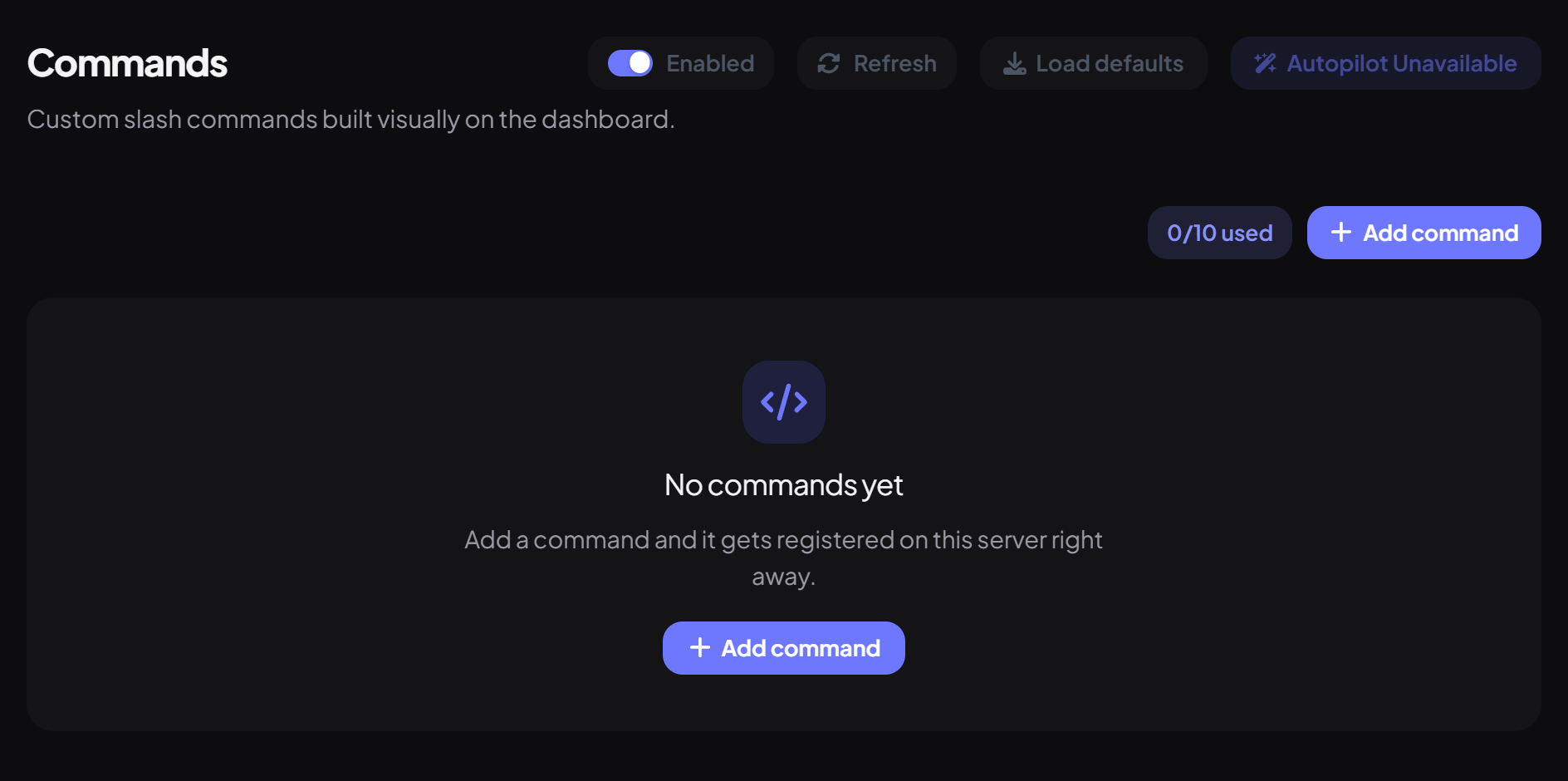
- On the dashboard, open Utilities and click Commands. Switch on Enabled.
- Press Add command.
- Enter the Command name (lowercase letters, numbers and underscores, like rules) and a Description.
- Choose the Response type: Text message or Discord embed, and write the reply.
- Press Create command. It's registered in Discord immediately (members may need to restart Discord to see it).
| Option | What it does |
|---|---|
| Random reply | Pick one of up to 10 replies at random each time (text only). Great for jokes or tips. |
| Ephemeral reply | Only the person who ran the command sees the reply. |
Placeholders
| Placeholder | Becomes |
|---|---|
| {user} | The person's username (plain text) |
| {mention} | A mention of them (it won't ping) |
| {server} | Your server's name |
| {channel} | The channel it was used in |
Managing commands
| Command | What it does | Who by default |
|---|---|---|
/command list | List your custom commands. | Everyone |
/command toggle | Turn a command on or off. | Moderator |
/command remove | Delete a command. | Moderator |
- Names used by Dreamliner's own commands (and help or command) can't be used.
- Anyone can run a custom command; there's a short cooldown to stop spam.
- Custom commands can't take options, give roles or run several steps.
You're set up
What you just did
- Created a custom command
- Chose a reply type and placeholders
- Learned how to manage them
For rich messages with buttons and menus, see Message Kits.
Common questions
My command doesn't show up.
Restart Discord (Ctrl+R). If it still isn't there, save the command again.
Can I have more than 10?
Not at the moment. Tags are a good alternative for lots of short answers.
Read next