
Starboard
Build a hall of fame: when a message gets enough ⭐ reactions, Dreamliner reposts it to a starboard channel with a live star count, so your community's best moments are never lost.
By the end, you'll have
- A starboard channel that collects your most-loved messages automatically
- The number of stars needed, and the emoji, set to suit your server
- Optional extra boards, filters and a currency reward for starred authors
Before you start
- A channel for the starboard, created in Discord.
- Dreamliner with Read Message History in your chat channels, and Send Messages and Embed Links in the starboard.
- Manage Server, so you can open the dashboard.
Pins are limited and hidden away. A starboard lets the community decide what's great: react with a star, and once a message has enough, it's copied to the starboard with a link back to the original. It's free.
Members react; the best posts rise to the board.
Stars needed, emoji, ignored channels and roles.
Give starred authors some server currency, once per message.
Step 1 · about 2 min
Create your board
Pick a channel and how many stars are needed.
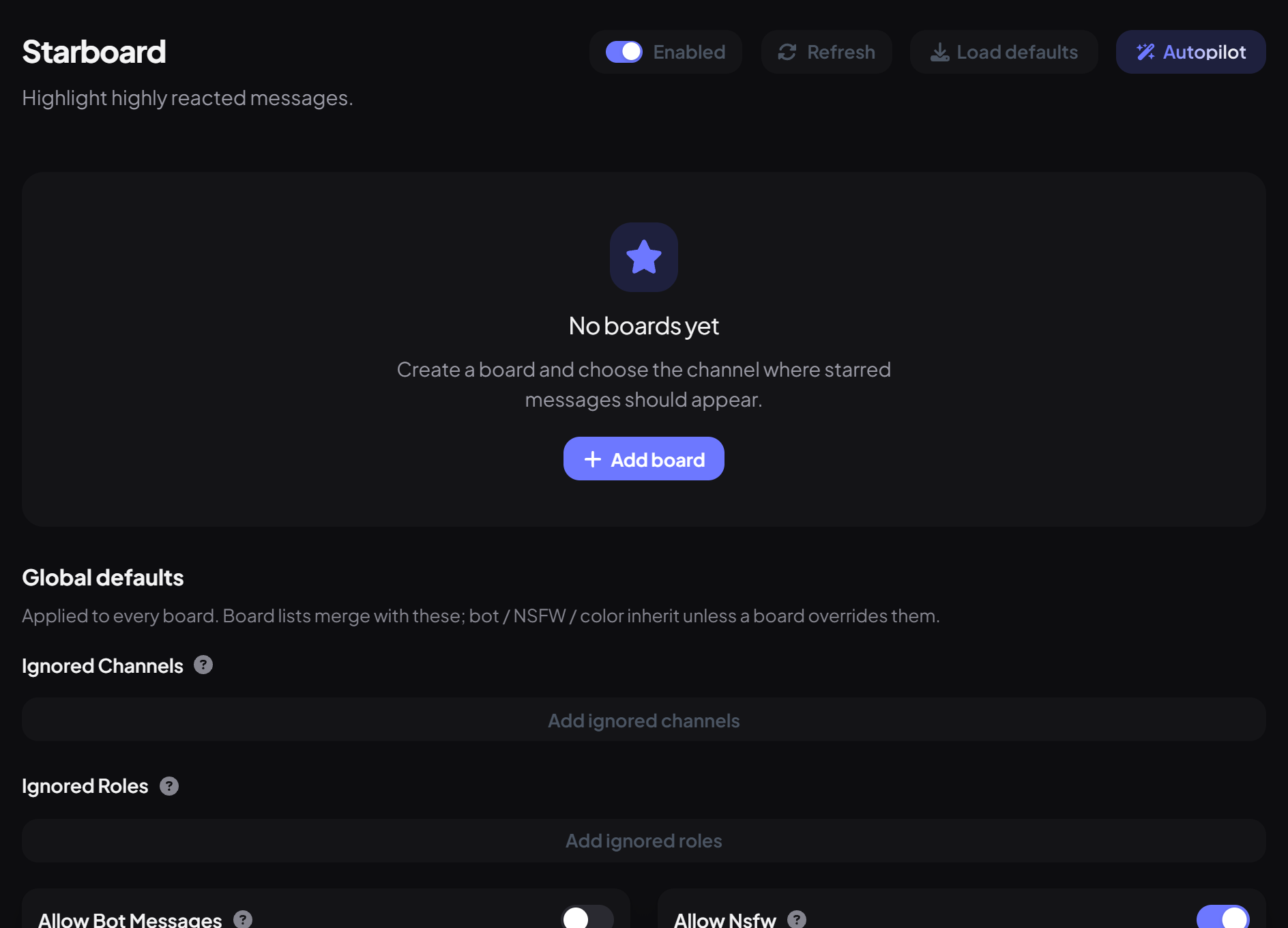
- On the dashboard, open Engagement and click Starboard.
- Press Add board. The first board is called main.
- Pick the Board channel and set Stars Required (3 by default).
- Press Save, then star a message three times to test it.
Step 2 · about 3 min
Customise it
Choose the emoji, look and rules.
| Setting | What it does | Default |
|---|---|---|
| Star Emoji | Which reactions count as stars. You can add more than one; each person counts once. | ⭐ |
| Show Star Count | Shows the live star count on the board post. | On |
| Copy Full Embed | Copies embeds from the original message too. | On |
| Count Self Stars | Lets people star their own messages. | Off |
| Currency reward | Server currency paid to the author when a post first reaches the board (0 is off, up to 10,000). | 0 |
| Ignored channels / roles | Messages there, or by those roles, are never starred. | None |
| Bot messages / NSFW channels | Allow or block them, or use the global default. | Global default |
| Embed color | The colour of board posts. | Gold |
How the board behaves
- Bots' reactions never count.
- If stars drop back below the number needed, the board post is removed.
- Deleting the original message removes its board post too.
- Messages in the starboard channel itself (and its threads) can't be starred.
- Only the first image of a message is shown on the board.
- Editing the original updates the board post the next time someone reacts.
More than one board
You can have as many boards as you like, like a memes board with 😂 and its own channel. Global defaults at the bottom sets ignored channels and roles, bot messages, NSFW and colour for every board, and each board can override them.
You're set up
What you just did
- Created a board with the stars it needs
- Chose the emoji, filters and look
- Learned how posts come and go
Make starring a habit with Autoreactions: a ⭐ on every showcase post.
Common questions
Messages aren't appearing on the board.
Check the board is enabled with a channel, Dreamliner can read message history where the stars are, and the channel isn't ignored.
Is there a command?
No, Starboard is set up on the dashboard and runs on reactions.
Read next